How to Connect Smart Kitchen Appliances Easily
Smart kitchens are transforming how we cook, clean, and manage our homes. With the right setup, your kitchen appliances can work together seamlessly, making daily tasks more efficient and enjoyable. Connecting smart kitchen appliances might seem complex, but with proper guidance, you can create a fully automated cooking space that responds to your needs. Modern homeowners are discovering that kitchen automation not only saves time but also enhances the overall cooking experience. Whether you're upgrading a single appliance or building a complete smart kitchen from scratch, understanding the connection process is essential for maximizing your investment.
Smart appliances communicate through various wireless protocols to create an integrated kitchen experience. These connected appliances use internet connectivity to offer remote control, monitoring, and automation features that traditional appliances cannot provide. The foundation of any successful smart kitchen lies in understanding how these devices connect and interact with each other. Modern kitchen technology relies on stable internet connections and compatible communication protocols. Most smart appliances use WiFi as their primary connection method, though some also support Bluetooth for initial setup or backup connectivity. Understanding these basics helps you make informed decisions about which appliances will work best in your space.
Connected appliances are traditional kitchen devices enhanced with internet connectivity and smart features. These devices can receive commands remotely, send status updates, and integrate with other smart home devices to create automated routines. Popular examples include smart refrigerators that track inventory, ovens that can be preheated remotely, and dishwashers that send completion notifications to your phone.
Successful appliance connectivity requires a robust home network with adequate bandwidth and coverage. Your router should support at least 802.11n WiFi standards, though newer 802.11ac or WiFi 6 routers provide better performance. For compact kitchen appliances in smaller spaces, ensure your WiFi signal reaches all areas where devices will be installed.
Connecting your smart appliances follows a similar pattern across most brands, though specific steps may vary. The process typically involves downloading the manufacturer's app, creating an account, and following guided setup instructions. Most modern appliances use QR codes or WiFi Protected Setup (WPS) to simplify the connection process. Before beginning any setup, ensure your home network is optimized for IoT devices. This includes checking signal strength in your kitchen area and ensuring your router firmware is up to date. Many connection issues stem from network problems rather than appliance defects.
Start by testing your WiFi signal strength in the kitchen using your smartphone. Download all necessary manufacturer apps before beginning setup, as this prevents interruptions during the connection process. Create accounts with relevant platforms and have your network password readily available.
Most smart appliances follow similar connection procedures regardless of brand. Begin by powering on your appliance and ensuring it's in setup mode, usually indicated by blinking lights or display messages. Open the manufacturer's app and select "Add Device" or similar option. Follow the app's instructions to scan QR codes or manually enter device information.
Once individual appliances are connected, organize them into logical groups within your smart home app. This organization makes it easier to create automation routines and manage multiple devices simultaneously. Consider grouping appliances by function (cooking, cleaning, storage) or by location if you have multiple kitchen zones.
A centralized hub serves as the command center for your smart kitchen, enabling seamless communication between different appliances and brands. Popular options include Amazon Echo devices, Google Nest hubs, or dedicated smart home controllers. The right hub depends on your existing ecosystem and preferred voice assistant. Choosing a hub that supports multiple communication protocols ensures compatibility with various appliance brands. This flexibility is particularly important in modern kitchen design where aesthetics and functionality must balance with technical requirements.
Major platforms like Google Home, Amazon Alexa, and Apple HomeKit each offer unique advantages. Google Home excels at natural language processing and integration with Google services. Amazon Alexa provides the broadest device compatibility and extensive third-party skills. Apple HomeKit offers superior privacy and security features but has more limited device support.
Enabling communication between different appliance brands requires careful platform selection and configuration. Most smart home platforms support multiple brands through official integrations or third-party bridges. Create automation routines that trigger multiple appliances simultaneously, such as starting the coffee maker and preheating the oven when your morning alarm sounds.
Building a connected kitchen starts with selecting the right appliances for your cooking habits and space constraints. Compact kitchen appliances with smart features are ideal for smaller homes or apartments where space efficiency matters. Focus on appliances you use daily, as these provide the most value from smart connectivity. Consider starting with one or two key appliances before expanding your smart kitchen ecosystem. This approach allows you to learn the technology gradually while avoiding overwhelming complexity. Popular starting points include smart refrigerators for food management or connected ovens for remote cooking control.
Smart refrigerators offer inventory tracking, expiration date monitoring, and energy usage optimization. Connected ovens and cooktops provide precise temperature control, remote preheating, and cooking notifications. Automated dishwashers can optimize wash cycles based on load sensors and send completion alerts to your phone.
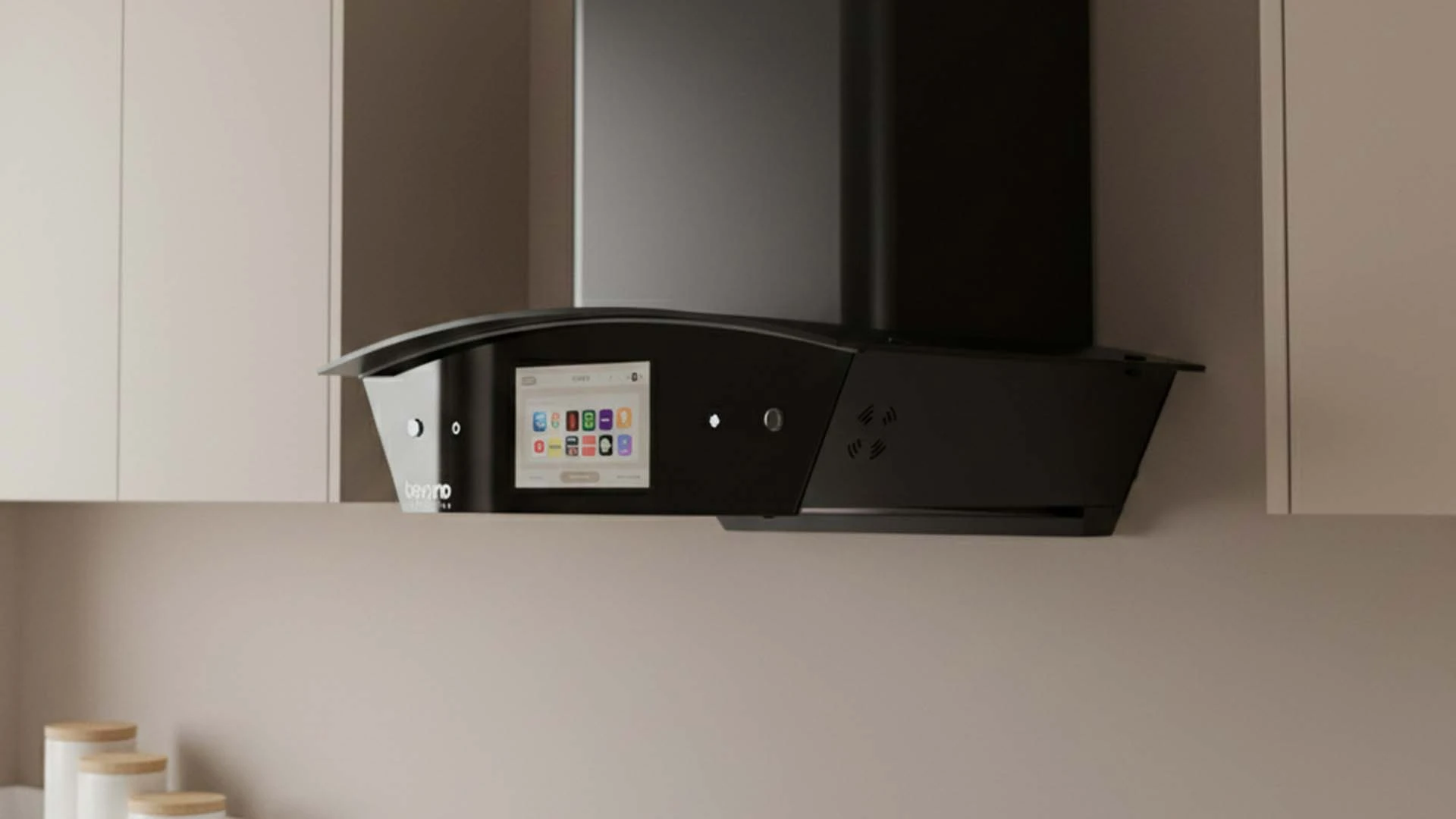
Advanced kitchen automation extends beyond individual appliances to include lighting, ventilation, and environmental controls. Smart range hoods can automatically adjust fan speed based on cooking activity, while connected lighting systems can provide task-specific illumination. Integration with energy monitoring systems helps optimize usage during peak and off-peak hours.
Connection problems are common when setting up smart appliances, but most issues have straightforward solutions. Network-related problems account for the majority of connection failures, followed by app-specific issues and device compatibility conflicts. Understanding common problems helps you resolve issues quickly and maintain reliable connectivity. Keep manufacturer support contact information readily available, as some issues may require technical assistance. Many brands offer online chat support or phone assistance specifically for connectivity problems. Document your network settings and device configurations to speed up troubleshooting when issues arise.
Weak WiFi signals cause frequent disconnections and slow response times. Use a WiFi analyzer app to check signal strength and identify interference sources. Consider adding a WiFi extender or mesh network node near your kitchen if signal strength is consistently poor.
App crashes or connection timeouts often result from outdated software or server issues. Ensure both your smartphone and appliance apps are updated to the latest versions. Clear app cache and restart your phone if problems persist. Factory resetting appliances should be a last resort, as this requires complete reconfiguration.
Once your appliances are connected, focus on creating useful automation routines that simplify daily tasks. Start with simple automations like morning coffee preparation or evening cleanup routines. Gradually add complexity as you become comfortable with the technology and identify additional opportunities for automation. Regular maintenance of your smart kitchen system ensures optimal performance and longevity. This includes updating software, monitoring network performance, and cleaning device sensors. Many smart appliances provide maintenance reminders and diagnostic information through their apps.
Create morning routines that automatically start your coffee maker, preheat the oven for breakfast, and display the day's weather and schedule on a kitchen display. Evening routines can include starting the dishwasher during off-peak energy hours and setting the refrigerator to energy-saving mode overnight.
Choose appliances and platforms with strong track records of software updates and long-term support. Avoid proprietary protocols that may become obsolete in favor of widely adopted standards. Consider the total cost of ownership, including potential subscription fees for advanced features or cloud services.
Most appliances connect within 5-10 minutes using manufacturer apps and QR code scanning. Initial setup may take longer if you're creating new accounts or configuring automation routines.
Basic functions typically work offline, but smart features like remote control, notifications, and automation require internet connectivity. Some appliances cache settings locally for limited offline operation.
Yes, most smart home platforms support multiple brands through official integrations or third-party bridges. Choose a platform that supports your preferred appliance brands for best compatibility.
Appliances continue basic operation but lose smart features until connectivity is restored. Some devices store automation schedules locally and resume smart functions when reconnected.
Costs vary widely based on appliance selection and features. Basic smart connectivity adds INR 5,000-15,000 per appliance, while premium smart appliances can cost INR 50,000-200,000 more than standard models.
Connecting smart kitchen appliances transforms your cooking space into an efficient, automated environment that adapts to your lifestyle. Success depends on proper network setup, choosing compatible devices, and gradually building automation routines that provide real value. Start with essential appliances you use daily, ensure robust WiFi coverage, and select a smart home platform that supports your preferred brands. With patience and proper setup, your smart kitchen will become an invaluable part of your daily routine, saving time and enhancing your cooking experience for years to come.